The best laptop is not the model with the longest specification sheet. It is the least expensive machine that comfortably handles the work you actually do, fits the places where you do it, and remains usable for a reasonable period. Buying by need reduces two common mistakes: paying for performance that sits idle and saving money on a machine that becomes frustrating as soon as normal tasks accumulate.
Start with tasks, not brands
Write down the applications and browser-based services you use in a typical week. Separate them into essential, occasional, and aspirational tasks. Email, documents, video calls, and web browsing are different from software development, large spreadsheet analysis, professional photo editing, 3D design, modern gaming, or local artificial-intelligence workloads. “School use” and “office use” are too broad to guide a purchase until the required software is named.
Check each essential application’s official system requirements. Pay attention to the operating system, processor architecture, memory, graphics capability, and storage space. Requirements describe a floor, not always a comfortable experience, so allow room for the operating system, security tools, browser tabs, background syncing, and future updates. If an employer or school manages devices, ask whether it requires a particular platform, security feature, webcam standard, or management system.
Choose the operating system deliberately
The operating system determines which applications run natively, how the machine is managed, and how it interacts with your other devices. Windows supports a broad range of business, engineering, and gaming software. macOS may be required or preferred for particular creative workflows and integration with Apple devices. ChromeOS centers on web applications and managed simplicity, while Linux can suit technical users who know their software and hardware support needs.
Avoid choosing only because an interface is familiar. Confirm that essential applications offer the features you need on that platform; products with the same name may differ by operating system. Check printer, scanner, virtual-private-network, smart-card, accessibility-device, and peripheral support. If you rely on a niche program, its vendor’s compatibility page is more useful than a retailer’s general assurance.
Consider the support horizon too. Operating-system and security updates are part of the laptop’s useful life. Verify the manufacturer’s stated update policy for the exact product, especially for devices whose support dates may be tied to a model platform. A deeply discounted computer is less attractive if important software or security support will end soon.
Translate workload into performance
The processor affects responsiveness, but model names across generations and product families are easy to misread. Compare independent tests for tasks resembling your own rather than assuming that a higher number always wins. For ordinary productivity, sustained responsiveness, efficiency, and enough memory may matter more than peak benchmark results. For long renders, code compilation, scientific work, or gaming, sustained performance and cooling deserve closer attention.
Memory holds active applications and data. Too little causes slowdowns when the system shifts information to storage. Estimate your realistic multitasking: video meetings plus documents and many browser tabs require more memory than one task at a time. Check whether memory is replaceable, upgradeable, or permanently attached. If it cannot be upgraded, buy enough for expected use over the machine’s life, not just today’s minimum.
Storage capacity must cover the operating system, applications, local files, temporary working space, and updates. A solid-state drive is standard for responsive modern use, but capacity still matters. Review the space currently used on your existing computer and decide which files truly remain local. Cloud storage can reduce local needs, yet offline access, subscription costs, internet speed, and backup strategy still apply. Do not treat synchronization as a complete backup by itself.
Match the display to the work
Screen size influences workspace and portability at the same time. A larger panel makes side-by-side documents and timelines easier but increases the footprint and often the weight. A smaller laptop travels well yet may feel cramped for long sessions. Measure the bag, desk, airplane tray, and other spaces the device must fit rather than relying on diagonal size alone.
Resolution affects working area and sharpness, while panel quality affects how the image looks. Photographers and designers should research color-gamut coverage, calibration behavior, brightness consistency, and support for their workflow. Most shoppers benefit from readable text, adequate brightness, comfortable viewing angles, and a surface that works in the intended lighting. A glossy touchscreen can be useful for direct interaction but may reflect more light. High refresh rates make motion smoother, particularly in games, but can consume more power.
Treat comfort and input as core features
A laptop is a keyboard, touchpad, screen, camera, microphone, and set of ports that you may use for hours. Read measurements, but also try the device when possible. Look for a keyboard layout that does not compress keys you use frequently, stable key action, a touchpad that supports accurate gestures, and a hinge that holds the display steady.
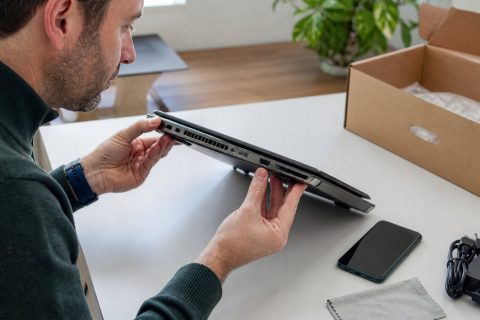
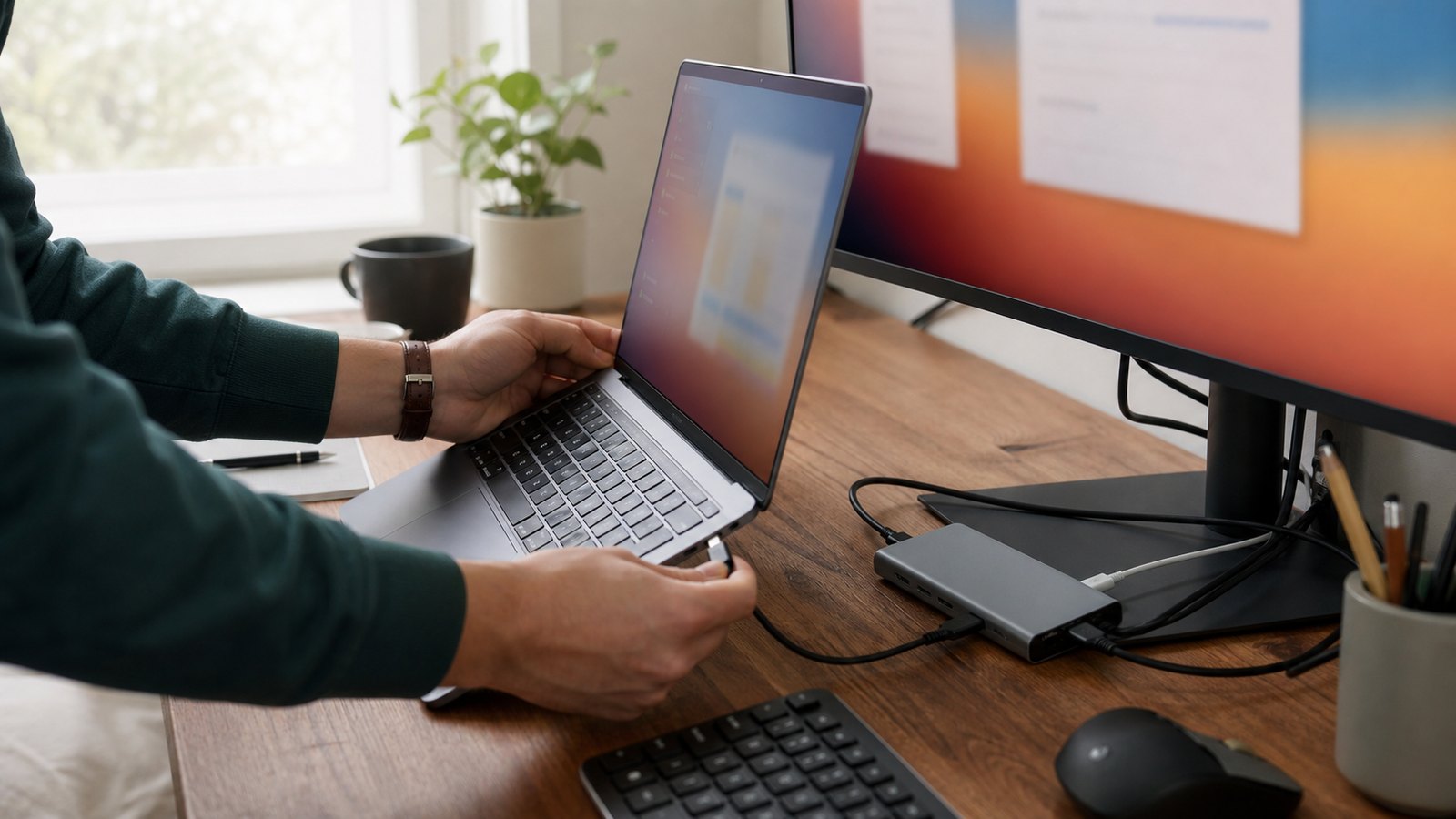
Thin designs sometimes reduce port variety. List the connections you need and distinguish daily ports from rare ones. Charging through a common standard may simplify travel, but confirm the laptop’s required wattage and whether third-party chargers meet applicable specifications. A dock can support a desk setup, although display count, resolution, refresh rate, and power delivery must be compatible with both laptop and dock.
Evaluate battery claims in context
Advertised battery figures are produced under defined test conditions and may not represent video calls, high brightness, gaming, weak wireless signals, or demanding applications. Compare reviews that explain their test method, then leave a margin for battery aging and heavier days. Capacity alone does not determine runtime; the processor, display, software, power mode, and workload all contribute.
Think about charging opportunities. A commuter who can recharge at every desk has different needs from a field worker away from outlets. Check charger size and total travel weight, not laptop weight alone. Find out whether the battery can be serviced and what the manufacturer says about warranty coverage, replacement channels, and battery care.
Inspect build, repair, and support
Review repair documentation and parts availability. Determine whether storage, memory, battery, keyboard, and display can be replaced, and whether doing so affects warranty coverage. A thin machine with soldered components may be acceptable when size is the priority, but the trade-off should be intentional. Compare the standard warranty, support contact options, repair turnaround expectations, accidental-damage exclusions, and the price and terms of any extended plan.
Build a complete price comparison
Compare machines in the configuration you will buy, not a promotional starting configuration. Similar model names may contain different displays, processors, memory, storage, wireless hardware, or warranties. Record the exact model or stock-keeping unit and list included accessories. Add the cost of a required charger, adapters, dock, protective case, external storage, software licenses, and extended coverage.
Use a weighted decision sheet
Create a short table with your finalists as rows and your real priorities as columns. Weight essential software compatibility and required performance heavily. Add display comfort, battery needs, total carry weight, ports, repair options, warranty, and complete price. Score only evidence you can verify, and mark unknowns rather than assuming they are acceptable.
Then apply a final test: identify the least expensive candidate that clears every nonnegotiable requirement with reasonable headroom. More performance is useful only when it improves a real task, extends practical life, or avoids a known limitation. The right laptop is not the one that wins every benchmark. It is the one whose platform, performance, ergonomics, connections, support, and total cost align with the work you will ask it to do.