How to Buy Refurbished Electronics Safely
Buying refurbished electronics can be a sensible way to get a capable phone, laptop, tablet, television, or game console without buying new. The catch is that refurbished does not describe one universal process. One seller may test every function, replace worn parts, clean the device, and include a meaningful warranty; another may perform little more than a visual inspection.
Know What Refurbished Actually Means
Refurbished, used, and open-box products can overlap, but they are not identical. A used device is generally resold after previous ownership, with no guarantee that it was repaired or systematically tested. An open-box item may have been returned after its package was opened, displayed in a store, or sold with damaged packaging. It may be nearly unused, but the label alone does not prove that.
A refurbished product should have gone through some combination of inspection, cleaning, testing, repair, parts replacement, and data removal. The depth of that work varies. Manufacturer-refurbished devices are processed by the original brand or a contractor working under its rules. Retailer and third-party programs use their own standards.
Start With the Refurbisher, Not the Discount
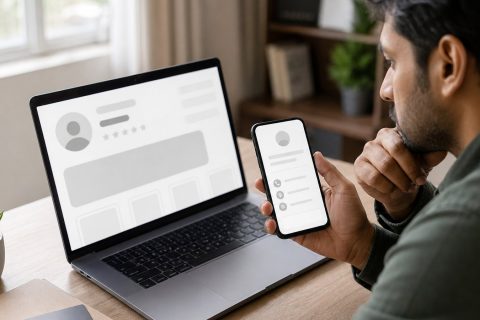
Check whether the business has clear contact information and whether reviews discuss the product category you plan to buy. Repeated complaints about batteries, inaccurate grades, missing accessories, delayed refunds, or account locks matter more than an average rating. On a marketplace, evaluate the individual merchant, not just the platform.
Decode the Condition Grade
Confirm whether the grade covers the screen, body, camera lenses, ports, and controls. Find out whether cracks, dead pixels, liquid damage, or structural bends are excluded. Favor actual-unit photos or a return policy that covers mismatched condition. Wear near a hinge, charging port, battery enclosure, or screen seal deserves more caution than a harmless surface mark.
Read the Warranty and Return Policy Separately
A return window lets you reject a product soon after delivery. A warranty addresses covered failures during a stated period. You want both, because a defect may appear after the return deadline. Record the length of each period, when it starts, and who pays return shipping.
Read whether the warranty provides repair, replacement, refund, or the seller’s choice. Check exclusions for batteries, screens, accessories, accidental damage, water exposure, and modified software. The Federal Trade Commission advises reading warranty terms before purchase and notes that “as is” sales may limit implied-warranty protection where state law permits.
Check Battery Health Before You Commit
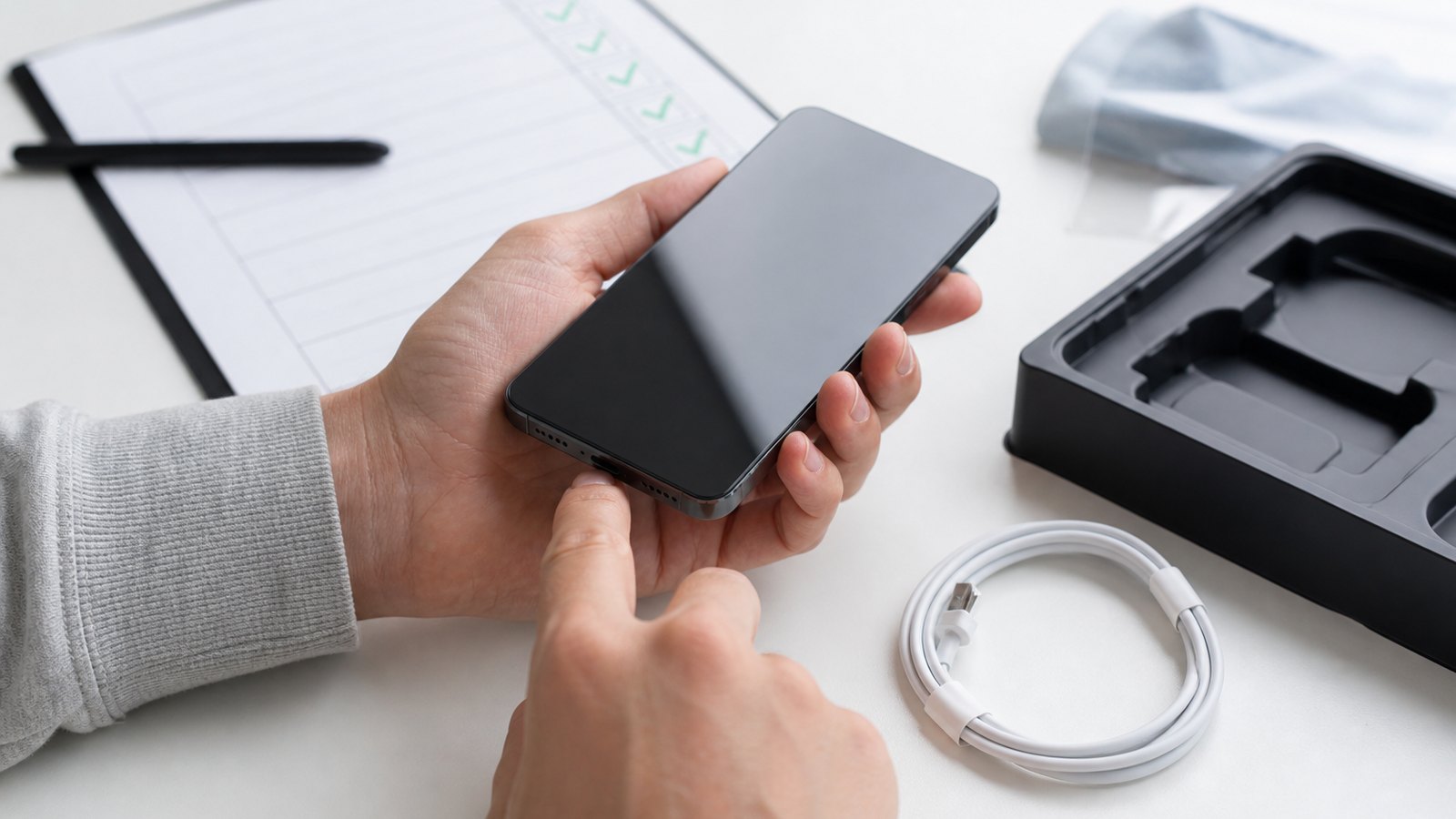
Look for a written minimum capacity, a replacement statement, or diagnostics tied to the unit. Ask whether the warranty covers the battery. During the return window, check reported health or cycle count and watch for rapid drain, shutdowns, swelling, overheating, or inconsistent charging. Stop using a swollen or damaged battery and contact the seller. Consider the cost and difficulty of a future replacement before buying.
Confirm Parts, Accessories, and Compatibility
Verify the exact model number, storage capacity, memory, processor, screen specification, and network configuration. Similar product names can hide different regional versions, ports, cellular bands, or upgrade limits. For phones, confirm carrier compatibility and whether the device is carrier-unlocked if needed.
The listing should identify included items such as the adapter, cable, stylus, remote, controller, or keyboard. Compatible replacements can be acceptable if they meet power and safety requirements. Avoid chargers with damaged insulation, loose connectors, or inadequate ratings.
Check Locks, Ownership Status, and Software Support
A phone or tablet can be physically flawless yet unusable if it remains tied to a previous owner’s account. Apple advises buyers to make sure a secondhand iPhone or iPad is erased and no longer linked to the former owner before purchase. Similar account-protection and factory-reset locks exist on other platforms. Do not accept a promise that a seller will remove a lock later.
For cellular devices, confirm that the identifier is not reported lost or stolen and is eligible for activation. Check computers and tablets for company, school, or device-management enrollment that could regain control after setup.
Also check the manufacturer’s current support page for the exact model. Confirm that it can run a supported operating system and receive security updates for your planned ownership period. Unsupported hardware is a poor choice for banking, work, password storage, or other sensitive tasks.
Test Everything During the Return Window
Inspect the package immediately and document shipping damage. Confirm that the serial number matches the invoice or seller record. Check the case, screen, hinges, ports, buttons, screws, battery enclosure, and signs of moisture or unreported repair.
Test the display, touch response, speakers, microphones, cameras, biometrics, Wi-Fi, Bluetooth, cellular service, charging, keyboard, ports, storage, and accessories. Run built-in diagnostics when available and verify the advertised processor, memory, capacity, and operating-system activation. For a console, test network access, controllers, disc drives, and video output.
Use the device for several sessions. Look for overheating, unusual fan noise, crashes, intermittent connections, screen flicker, battery drain, and sleep or wake problems. Start early enough to return it before the deadline.
Protect Your Data From the First Setup
A properly refurbished device should arrive erased and ready for a fresh setup. If you find someone else’s account, files, messages, or management profile, stop and contact the seller. Do not explore private data or connect the device to your main accounts.
Install operating-system and firmware updates before sensitive use. Once ownership and activation status are clear, perform your own factory reset, create your account and passcode, and enable encryption, automatic updates, screen locking, and remote locate-or-erase features where supported. Avoid unknown software images or preinstalled seller accounts.
Before a return, sign out, disable account-based activation protection, remove storage cards, and follow the manufacturer’s reset process. Confirm that your personal data is erased.
When Refurbished Is the Wrong Choice
Skip the purchase when the seller cannot name the refurbisher, explain the grade, provide usable warranty terms, or offer a reasonable return path. Walk away from unresolved activation locks, ownership concerns, swelling batteries, evidence of liquid damage, unsupported software, or specifications that cannot be verified.
A refurbished device may also be poor value when a critical worn part is expensive to replace, essential accessories are missing, repairability is limited, or the remaining software-support period is short. For safety-critical, medical, specialized professional, or harsh-environment use, choose equipment with certification and support appropriate to that role rather than assuming a consumer refurbishment is sufficient.
A Safer Refurbished-Buying Checklist
Before ordering, make sure you can answer these questions:
- Who refurbished and will warranty the device?
- What inspection, testing, cleaning, and repair were performed?
- What does the condition grade allow?
- How long are the return and warranty periods, and what do they exclude?
- What battery standard or diagnostic evidence is provided?
- Are all required parts and accessories included and safe to use?
- Is the exact model compatible with your network, software, and peripherals?
- Is it free of carrier, account, activation, and management locks?
- How much manufacturer security-support life remains?
- Can you test every important function before the return window closes?
Refurbished electronics are safest when the seller replaces uncertainty with written, verifiable terms. A modest saving backed by transparent testing, support, and an easy return process is usually more valuable than a larger discount attached to unanswered questions.
That final inspection protects both the device and the budget.