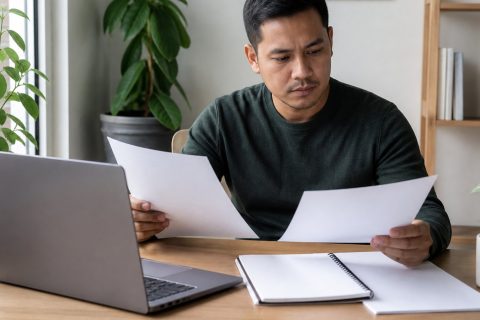
A video interview may happen at home, but it deserves the same preparation as an office meeting. You must manage both the substance of your answers and the technology carrying them. A strong setup will not replace relevant experience, yet preventable audio trouble, a distracting room, or a disorganized answer can hide what you offer.
Reduce uncertainty before the call. Confirm the format, practice on the actual device, prepare concise examples, and decide what to do if something fails.
Confirm the Interview Format and Details
Check the date, time, time zone, meeting platform, expected duration, and names of the people attending. Determine whether the conversation will be live or recorded. In a one-way interview, questions may appear on screen with limited preparation or recording time, which requires different practice from a live panel.
If anything is missing, ask the recruiter well before the appointment. Confirm whether you need an account, presentation, or work sample and whom to contact if the connection fails. Add the meeting link, phone backup, and recruiter contact to your calendar.
Revisit the job posting and your submitted application. Write down three requirements you expect to discuss and one supporting example for each.
Test Your Technology Before Interview Day
Use the same computer, connection, camera, microphone, browser, and headphones planned for the interview. University of Pennsylvania Career Services recommends testing audio and video in advance, while CareerOneStop advises practicing with the employer’s meeting platform. Make a short recording and listen for echo, fan noise, low volume, or an unstable image.
Complete this technical check:
- Install or update the app from its official source.
- Confirm camera and microphone permissions.
- Plug in the laptop or fully charge it.
- Close downloads, streaming services, and unnecessary tabs.
- Test your internet at the same time of day, if possible.
- Use the professional name from your application as your display name.
- Keep a phone, charger, and dial-in information nearby.
Restarting beforehand can clear pending updates and free resources. Join five to ten minutes early, but do not enter an active room far ahead of schedule unless instructed.
Build a Quiet, Professional Environment
Choose a private space where you can control noise, interruptions, and lighting. A simple real background is usually safer than a busy virtual one. Remove personal papers and distracting objects. Tell household members when you need quiet, silence notifications, and keep pets outside if possible.
Place a light in front of you, raise the camera to approximately eye level, and frame your head and upper shoulders. Sit far enough away to use natural gestures. University of Pennsylvania warns against public locations because activity and shared Wi-Fi reduce your control over the interview.
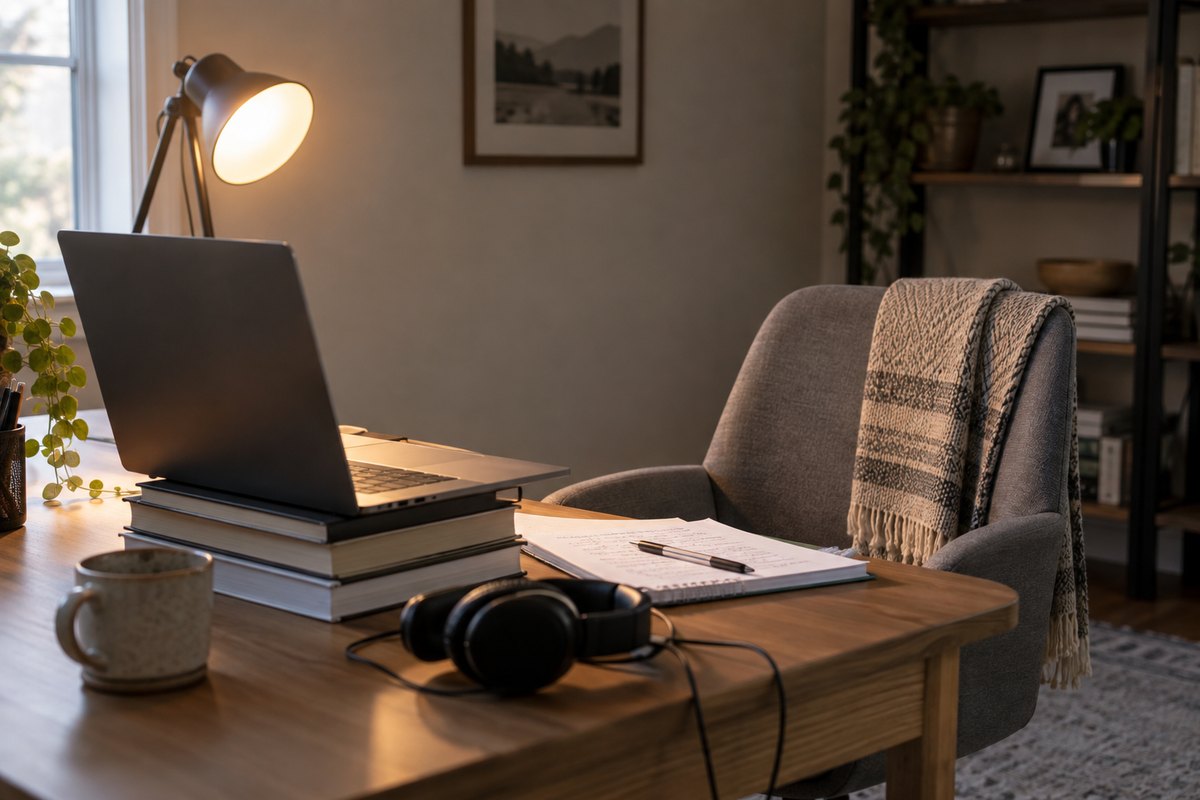
Dress as you would for a comparable in-person meeting. Keep water nearby, along with a printed resume, the job description, and a short question list. Notes should be prompts, not a script that pulls your eyes away.
Prepare Answers That Show Evidence
Build a story bank from your work, education, volunteering, or projects. Include examples of solving a problem, collaborating, handling a setback, learning quickly, and producing a result. For each story, clarify the situation, the task you owned, your actions, and the outcome.
Prepare a focused answer to “Tell me about yourself” that connects your present work, relevant background, and interest in this role. Then practice explaining:
- Why this position fits your next step.
- What you understand about the employer’s work or customers.
- Which strengths directly support the job requirements.
- What you learned from a challenge or mistake.
- Why a transition, gap, or career change makes sense.
Say answers aloud and time them. Examples should be credible but short enough to invite follow-up. A mock interview can reveal filler words, jargon, and explanations that are less clear aloud than they seemed on paper.
Communicate Naturally Through the Camera
Sit upright and look toward the camera when making an important point. You need not stare at the lens continuously; looking at the interviewer’s image while listening can feel natural. Position the video window near the camera to reduce the difference.
Speak slightly more slowly than usual and pause briefly after a question. This limits interruptions caused by connection delay and gives you time to organize an answer. If you did not hear something, ask for repetition rather than guessing. In a panel, use the questioner’s name when appropriate.
If you stumble, pause, correct the point, and continue. Calm recovery can demonstrate composure better than a flawless but rehearsed delivery. Hide your self-view if it becomes distracting, but verify your framing first.
Plan for Accessibility and Accommodations
Consider what would let you communicate and demonstrate your qualifications effectively. Possible needs include live captioning, a sign-language interpreter, screen-reader compatibility, extra assessment time, accessible questions, or an alternative to a platform that conflicts with assistive technology.
The U.S. Equal Employment Opportunity Commission explains that reasonable accommodation can apply to the application and interview process, not only to work after hiring. It recommends notifying the employer once you realize an adjustment is needed because some arrangements require advance notice.
A request can identify the interview step, explain the disability-related change needed, and ask whom to coordinate with. You generally need not volunteer unrelated medical details. Test captions, keyboard controls, audio routing, or other assistive tools in advance and confirm the arrangement in writing.
Protect Your Privacy and Avoid Interview Scams
Verify that the sender’s address and company domain match the employer. Use the confirmed invitation rather than an unexpected text or shortened link. If an account is required, use a unique password and install software only from the platform’s official site or app store.
Limit what the camera and screen reveal. Close email, messaging apps, password managers, client files, and personal documents. Turn off desktop previews. If screen sharing is required, share one window instead of the entire desktop and clear unrelated tabs.
Be cautious about requests for bank details, credentials, equipment payments, gift cards, or identity documents before a legitimate hiring process is established. Ask why sensitive data is needed and whether a secure company portal is available. Never record without permission, and ask before using an AI transcription service that sends the conversation to another provider.
Prepare a Backup Plan for Technical Problems
Save the recruiter’s email and phone number somewhere accessible without internet. Keep the meeting link on a second device, but leave that device muted to prevent feedback.
If audio breaks, state the problem in chat and reconnect once. If the platform fails, contact the recruiter promptly, explain what happened in one sentence, and propose the phone backup or a new connection. Do not spend ten silent minutes troubleshooting.
At the start, confirm that everyone can hear and see you. If the disruption is on the employer’s side, remain patient. Technical trouble is not automatically a poor reflection on you; a clear, courteous response may show practical judgment.
Follow Up With Purpose
Before leaving, ask about the next stage and timeline. Confirm names and contact information if necessary. Send a brief thank-you message within about 24 hours. Address each person accurately, mention a specific discussion point, restate your interest, and connect one strength to the team’s need.
Do not repeat your resume or pressure the employer for a decision. If you promised a portfolio item, reference, or clarification, send it in the agreed format and check its access permissions.
Write down the questions you received and where your answers could improve. If the stated decision date passes, one polite status inquiry is reasonable; follow the employer’s instructions rather than sending repeated messages.
Conclusion
To prepare for a video job interview, focus on clarity and control. Confirm the format, test the complete setup, create a quiet environment, and practice evidence-based answers. Plan accessibility support early, protect private information, and know how to respond to a connection failure. During the conversation, listen closely and communicate like a person, not a presenter reading from a screen. A thoughtful follow-up closes the process with the same professionalism you brought to the call.