
Financial automation uses scheduled transfers, direct deposits, recurring payments, and alerts to perform routine money tasks. It can reduce missed deadlines and make saving consistent, but it does not make decisions for you. A sound system includes enough cash, clear authorization, monitoring, and a manual fallback.
Automate only after the budget and account structure are understandable. If income timing, bill amounts, or balances are uncertain, automation can accelerate overdrafts instead of preventing them.
Map the Money Flow First
List each income source, payday, bill, due date, minimum payment, savings transfer, and irregular expense. Identify which amounts are fixed and which vary. Note the account used for every transaction.
Build a cash-flow calendar. A monthly budget can balance while checking still runs short between paydays. Mark the lowest expected balance after pending bills and add a cushion for timing differences. Do not count overdraft coverage as a cushion because it may involve borrowing, fees, or drawing down savings.
Start with a small number of high-value automations. Confirm each one before adding another. Complexity increases the chance of duplicate payments or forgotten authorizations.
Use Direct Deposit Deliberately
Direct deposit sends income electronically to an account, often through the Automated Clearing House network. If an employer allows split deposit, direct part of each paycheck to checking and part to savings. This makes saving occur before money is available for routine spending.
Choose the split from the budget, not an aspirational percentage. Checking must still cover bills, flexible spending, and a cushion. If pay varies, a fixed dollar amount to savings may be easier to manage, or a conservative percentage may adapt better.
Verify the first deposit after any payroll change. Employers can have processing deadlines, and a change may not take effect immediately. Keep the old account open until deposits and payments have been confirmed when switching banks.
Automate Savings in Layers
Create recurring transfers for specific purposes: emergency savings, annual bills, vehicle maintenance, taxes, or another goal. Schedule transfers shortly after income arrives rather than immediately before large bills.
Use separate buckets or clear records so one balance is not promised to several goals. Begin with a manageable amount and increase it after a raise, paid-off debt, or reduced expense. If income is irregular, automate a modest base and make additional transfers during stronger months.
A failed transfer can trigger fees or leave another account short. Enable confirmation and failure alerts. If the savings account is at another institution, understand transfer time and holds.
Distinguish Bill Pay From Automatic Debit
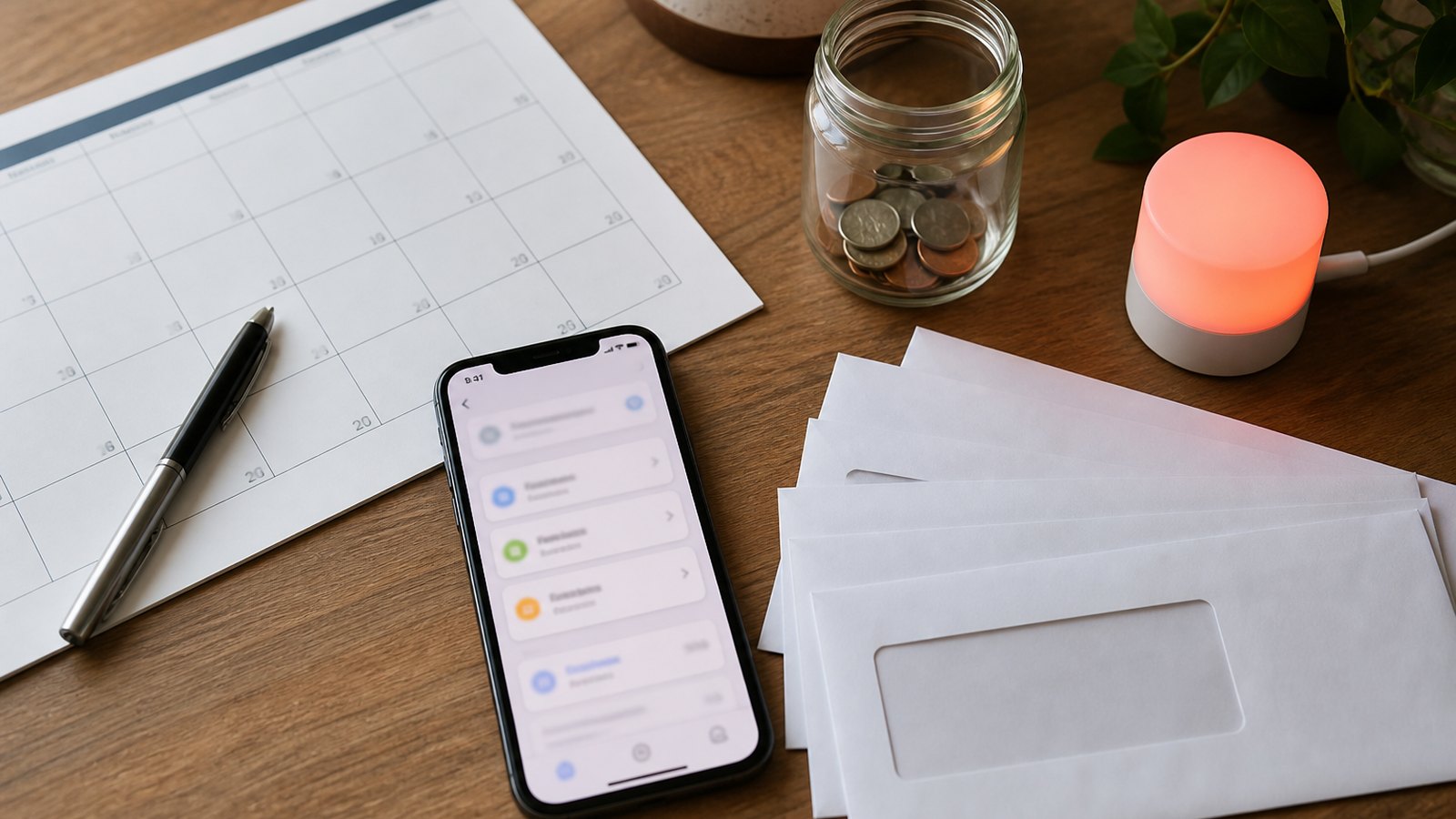
Bank bill pay generally means you instruct your bank or credit union to send a payment. Automatic debit means you authorize a company to pull money from your account on a recurring basis. The CFPB notes that these are different arrangements even though both can automate bills.
Bank bill pay may give you a central dashboard and control over amount and timing. The bank may send an electronic payment or a paper check. Confirm delivery time and do not schedule on the due date if processing takes longer.
Company auto-debit can adjust automatically for a variable bill, but it gives the company authorization to withdraw. Review the authorization, cancellation procedure, timing, and amount rules. Use independently verified company contact information.
Handle Fixed and Variable Bills Differently
Fixed bills such as rent or a level-payment installment loan are often straightforward to schedule. Variable bills such as utilities and credit cards require more monitoring.
For a variable debit, enable a bill-ready alert and review the statement before withdrawal. Keep enough in checking for the high end of a normal range. Investigate an unusual amount before it posts, but do not assume stopping a payment cancels the underlying obligation.
Annual renewals deserve calendar reminders even when automated. Review whether the service is still wanted and whether the price changed before the cancellation deadline.
Build a Checking Buffer
Automation needs working capital. A buffer separates the timing of deposits from withdrawals and absorbs small errors. Choose the amount from real volatility: the largest ordinary timing gap, variable bill range, and frequency of income.
Treat the buffer as assigned money, not extra spending. Displayed balances can include pending deposits while omitting checks, tips, holds, or delayed transactions. Base decisions on the available balance and known commitments.
Set a low-balance alert above the point where scheduled payments become risky. An alert at zero arrives too late. Review the alert threshold after several months of actual cash flow.
Add Alerts as a Control Layer
Useful alerts include paycheck received, balance below threshold, bill due, payment processed, payment failed, transfer initiated, unusual purchase, new payee, password change, and login from a new device.
Send security and failure alerts through more than one reliable channel when available. Keep phone and email information current. Never treat a message link as automatically trustworthy; open the known app or type the institution’s address directly.
Alerts do not replace statements. A transaction can be authorized but incorrect in amount, or a payment can post to the wrong account. Reconcile activity regularly.
Create a Weekly and Monthly Review
Once a week, check upcoming deposits and payments, available checking balance, credit card activity, and transfer confirmations. The review can be brief because automation has handled routine execution.
Once a month, compare the budget with actual spending, confirm every bill was paid, review savings progress, and scan statements for fees or unauthorized transactions. Adjust future transfers when income or expenses change.
Quarterly or after a major life event, audit every recurring authorization. Remove obsolete payees, update expired cards, review account permissions, and confirm beneficiaries or joint access where relevant.
Protect the System
Use unique passwords and strong multifactor authentication. Avoid sharing account credentials with another person or a service. When a third-party app requests access, understand what data and transaction authority it receives and how to revoke access.
Keep a secure list of recurring payments, account purposes, and official contact methods. Do not store passwords in an unprotected spreadsheet. Shared households should know how essential bills are paid if the usual manager is unavailable.
Automation can conceal fraud when nobody looks. Transaction alerts and regular reconciliation shorten the time between an unauthorized event and detection.
Plan for Failures and Changes
Income may arrive late, a bill may increase, or an account may be frozen for security review. Keep a fallback payment method and contact creditors before a due date when a disruption is likely.
When changing checking accounts, inventory direct deposits, automatic debits, checks, and bill-pay instructions. Move them in stages, leave enough money in both accounts, and keep the old account open until all expected activity has cleared.
After closing an account, retain final statements and confirmation. Watch for a merchant attempting to debit old information.
A Safe Setup Order
First, automate minimum required debt payments or bill reminders so essential obligations are protected. Second, schedule modest savings. Third, automate predictable bills with amounts and timing you can support. Fourth, add variable bills only with review alerts and a sufficient buffer.
Run the system for a full billing cycle. Correct timing or duplicate-payment issues before expanding it. Document every authorization and cancellation method.
The goal is not maximum automation. It is a dependable process in which routine transactions happen on time, important exceptions become visible, and you retain control. Well-designed automation reduces friction while regular review keeps the system accurate and safe.